Mastering Midjourney : Best Prompts for Photorealistic Art in 2026

Midjourney Prompts: Best Techniques for Photorealistic Art

I’ve always been a visual person, and since moving my creative projects to my small studio here in Surat, I’ve seen AI image tools improve in genuinely impressive ways.

After spending the last few weeks pushing the latest Midjourney prompts to their limits, the realism achievable for lighting, texture, and detail has clearly come a long way from where things were just a couple of years ago, even if perfect results (especially hands and complex physical interactions) still take real prompting skill to consistently get right. The gap between a mediocre result and a genuinely strong one usually comes down to prompt structure and specificity, not luck.

In this guide, I want to share practical Midjourney prompts and techniques I’ve been using to create more photorealistic art, based on actual testing rather than just reading the changelog. Whether you’re a professional designer in India or a hobbyist, these tips should help you get noticeably better results, faster.

Midjourney Prompts: What Actually Matters for Realism

Rather than focusing on specific version numbers, which change frequently and can be unreliable to predict ahead of official announcements, it’s more useful to understand what consistently makes prompts produce more realistic results. Detailed, specific descriptions of lighting, camera settings, and texture tend to outperform vague descriptions significantly. For the latest confirmed features and version details, Midjourney’s own documentation is the most reliable source, since specifics change with each update.

Effective Midjourney Prompts for Different Categories

To get strong results, your prompts need to be descriptive yet structured. Here are a few effective approaches across different categories, based on patterns that consistently produce better results.

Hyper-realistic portraits. Specificity matters a lot here: describing skin texture, specific lighting conditions, and realistic camera and lens details (like a specific camera model, focal length, and aperture) tends to push results noticeably closer to photographic realism than generic descriptions.

Example structure: “A close-up portrait of an elderly fisherman in Surat, deeply wrinkled skin, salt-and-pepper beard, eyes reflecting the orange sunset over the Tapi river, captured on a full-frame camera, 85mm lens, shallow depth of field, hyper-realistic textures.”

Architectural visualization. For buildings and environments, specifying the time of day, weather, camera angle (aerial, eye-level), and architectural style helps produce more coherent, professional-looking results.

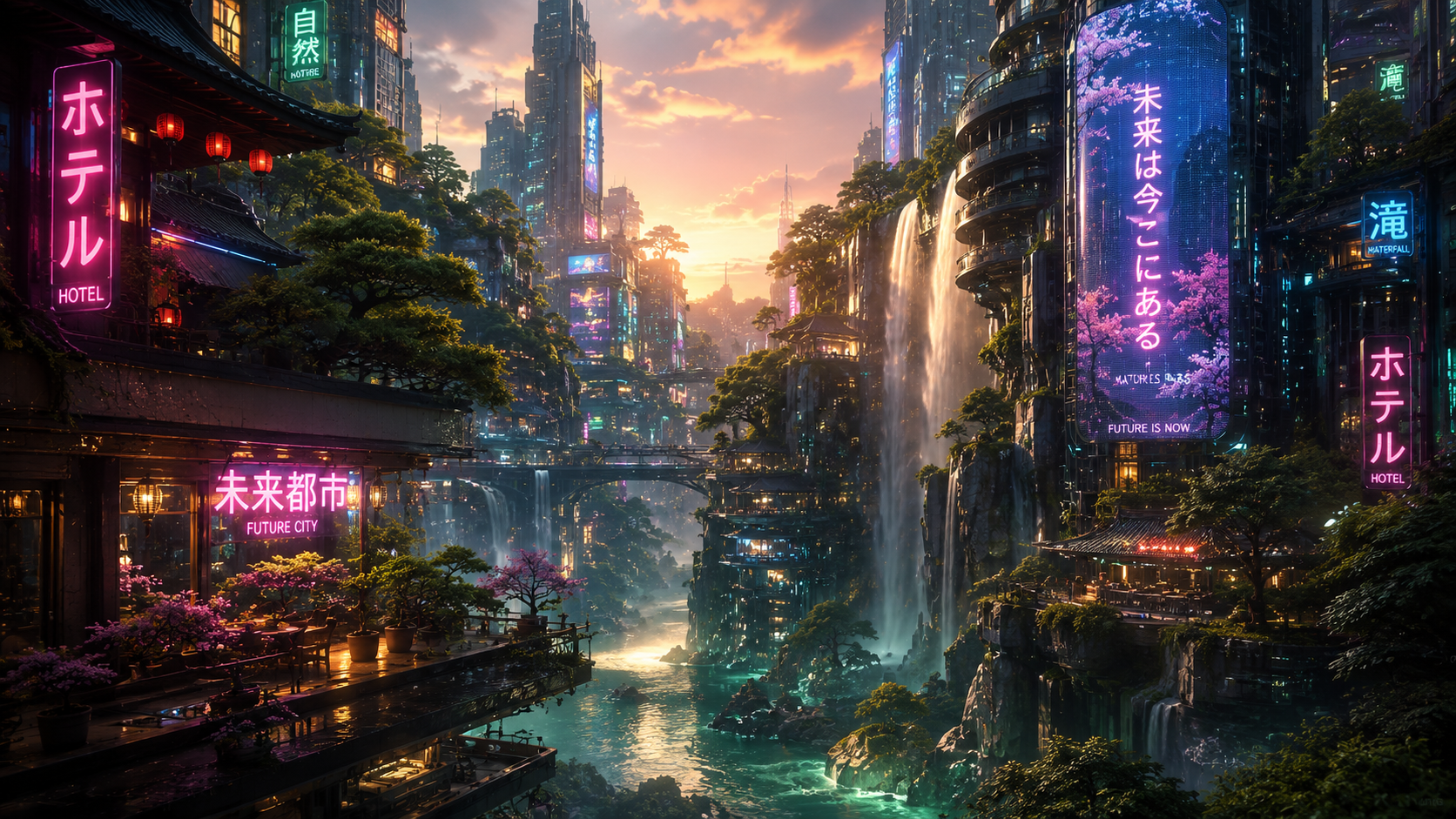
Example structure: “A sustainable skyscraper in Mumbai, covered in vertical gardens and flowing glass curves, cinematic sunset lighting, aerial drone view, photorealistic, architectural photography style, volumetric fog.”

Product photography for e-commerce. Clean, minimal backgrounds with explicit lighting direction tend to produce the cleanest commercial-style results.

Example structure: “A sleek, minimalist electric watch floating in mid-air, dark charcoal background, sharp focus on the digital interface, soft professional studio lighting, luxury aesthetic, ultra-detailed.”

Understanding Key Parameters

Most modern AI image generation tools support parameter tags that give finer control over output. Character or subject reference parameters help maintain visual consistency for the same person or object across multiple generated images, which has improved significantly but still isn’t perfectly consistent across very different poses or lighting conditions.

Style reference parameters help maintain a consistent color palette and artistic mood across a set of images, which is particularly useful for branded content. Some tools also offer personalization features that adapt to your aesthetic preferences over repeated use, though results vary in how noticeable this effect actually is in practice. It’s worth checking your specific tool’s current documentation for exact parameter syntax, since these details are updated frequently and vary between tools.

The Role of AI in Creative Industries

As we discussed in our AI ethics guide, the rise of powerful AI image tools brings genuine, ongoing questions about copyright and creative attribution that the industry is still actively working through. That said, in practice, these tools are increasingly used as creative collaborators rather than replacements. Designers are directing AI to handle technical execution while focusing their own effort on creative direction and vision. For more advanced workflows, some creators are using AI agent tools, like the ones we cover in our Best AI Agents guide, to help automate repetitive parts of their design pipeline.

Midjourney Prompts for Professional Workflows

Professional designers are increasingly incorporating AI image generation into serious creative work, including architectural visualization, fashion concept design, and cinematic pre-visualization. Strong Midjourney prompts can meaningfully speed up early-stage concept work that would otherwise take significant manual time to rough out, though final production work for client deliverables still typically needs human refinement and quality control before it’s client-ready. For freelancers and small studios in India specifically, this can mean taking on more ambitious visual projects that would previously have required a larger team or budget to execute within a reasonable timeline.

Conclusion

Mastering effective prompting technique, not chasing every new version announcement, is what actually determines whether you get strong results from AI image generation tools.

By focusing on specific, well-structured Midjourney prompts and understanding how key parameters work, you can produce genuinely strong results for both creative and commercial projects. The fundamentals, detail, lighting, composition, and reference clarity, tend to matter far more for output quality than which exact version you’re using.

At aitutorial.in, we’re committed to bringing you practical, tested guidance on AI creative tools as they actually evolve. Check our guide on AI writing tools to see how text and image AI workflows are increasingly working together.

Leave a Comment