
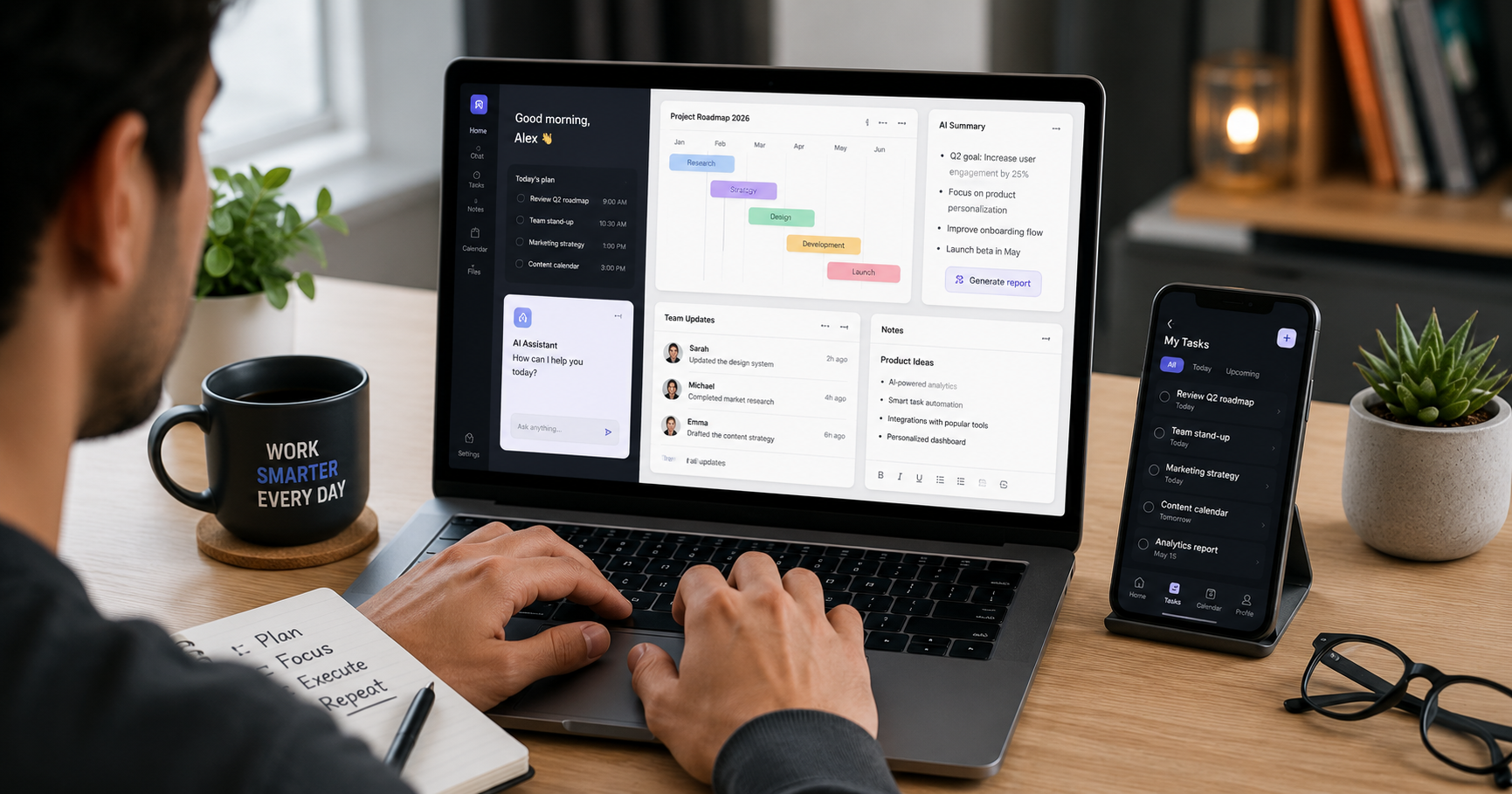
Best AI Productivity Tools 2026: Work Smarter Every Day

I have always believed that the right tools make all the difference. Since moving my work setup here in Surat, I have been testing dozens of AI-powered apps to see which ones genuinely save time versus which ones just add noise to an already busy day. By mid-2026, the AI productivity tools landscape has matured significantly, and a few clear winners have emerged across different types of work.

This guide on the best AI productivity tools 2026 covers what is actually useful for students, freelancers, small business owners, and professionals in India, based on real testing rather than marketing brochures.

Best AI Productivity Tools 2026: Writing and Content Creation

Writing faster without losing quality is one of the clearest wins that AI productivity tools 2026 offer. Tools like Notion AI, Jasper, and Copy.ai help with drafting blog posts, emails, reports, and social media content. You describe what you want, and the AI produces a solid first draft that you then refine and personalize.

As we cover in our AI for Creative Writing guide, the best results come from treating AI output as a starting point rather than a finished product. Writers who edit and add their own voice consistently produce better content than those who publish AI drafts without review. For professional writing tasks, this approach can cut drafting time by a significant margin while keeping the human judgment that makes content genuinely useful to readers.

AI Meeting and Note-Taking Tools

One of the most practically useful categories within AI productivity tools 2026 is meeting assistance. Tools like Otter.ai, Fireflies, and Notion AI can transcribe meetings in real time, generate summaries, and extract action items automatically. For anyone who spends significant time in online meetings, the time saved on manual note-taking and follow-up summaries is real and immediate.

Otter.ai’s own documentation explains how their transcription and summary features work across different meeting platforms, which is worth reading if you want to understand the accuracy expectations before committing to a tool.

AI Email Management

Managing email is one of the biggest time sinks in professional life, and AI productivity tools 2026 have made real progress here. Tools integrated into Gmail and Outlook can now draft replies based on the context of an incoming email, suggest follow-up reminders, and help prioritize which messages actually need your attention.

As we discuss in our AI in Customer Support guide, the same AI capabilities powering business customer support are now available for personal email management. The practical advice is the same: review AI-drafted replies before sending, especially for anything going to an important contact, since tone and context nuance still benefits from a human check.

AI Research and Information Tools

For students and knowledge workers, AI research tools have become genuinely useful for the information-gathering phase of any project. Tools like Perplexity AI surface cited sources alongside answers rather than generating uncited text, which makes them more trustworthy for research that needs to be accurate.

As we cover in our AI for Students guide, the key principle is to verify key facts against primary sources rather than treating AI research summaries as the final word. Used as a first-pass research accelerator, these tools save significant time compared to manual search.

AI Productivity Tools 2026 for Design and Visuals

Creating professional-quality visuals no longer requires advanced design skills. AI image generation tools and design assistants like Canva AI can produce social media graphics, presentation visuals, and basic marketing materials from simple text descriptions or templates.

We cover the image generation side of this in depth in our Midjourney Prompts guide and video generation in our Best AI Video Generators guide. For everyday professional design needs like social posts and presentation slides, Canva’s AI features tend to be more accessible than dedicated generation tools since they work within familiar design templates.

AI Scheduling and Task Management

Smart scheduling tools that use AI to find optimal meeting times, block focus time automatically, and prioritize tasks based on deadlines and importance have improved significantly among AI productivity tools 2026. Tools like Reclaim.ai and Motion analyze your calendar and task list to suggest or automatically schedule blocks of time for deep work alongside meetings.

For small business owners managing multiple responsibilities at once, this kind of AI-assisted scheduling can meaningfully reduce the cognitive load of figuring out when to do what, which is often as exhausting as the work itself.

AI Code Assistance for Non-Developers

Even people who are not professional developers are finding AI coding tools useful in 2026. If you use spreadsheets, you can ask AI tools to write formulas or scripts for you. If you manage a website, AI tools can help with basic customization tasks that previously required hiring a developer. As we discuss in our AI Coding guide, the accessibility improvement for non-technical users is one of the more significant practical benefits of current AI coding tools.

Choosing the Right AI Productivity Tools for You

With so many tools available, the risk is spending more time evaluating and setting up AI tools than you save by using them. The most practical approach is to identify the one or two tasks that consume the most of your time each week and find a specific AI tool aimed at that problem. Starting narrow and expanding works better than adopting ten tools at once.

Google’s own Workspace AI features are worth exploring if you already use Gmail, Docs, and Sheets, since integrated AI that works within tools you already use tends to get adopted more reliably than standalone apps that require switching contexts.

What This Means for Professionals in India

For professionals and small business owners in India, the most immediately impactful AI productivity tools 2026 tend to be writing assistants, meeting transcription tools, and AI-enhanced email management, since these address the highest time-cost activities in most knowledge work. Many of these tools have free tiers that are genuinely useful without requiring paid subscriptions, which makes them accessible even on tighter budgets.

Frequently Asked Questions (FAQ)

Q1: Are AI productivity tools safe to use for sensitive business information? A: It depends on the tool and your specific data. Most reputable tools like Notion AI, Otter.ai, and Google Workspace AI have published data handling policies. For highly sensitive business information, check whether the tool processes data on-device or sends it to external servers, and review their privacy policy before use. When in doubt, avoid pasting confidential client or financial data into any third-party AI tool.

Q2: Do I need to pay for AI productivity tools to get real value? A: Not necessarily for getting started. Most major AI productivity tools 2026 have free tiers that are genuinely useful, including Notion AI (limited free usage), Otter.ai (free transcription up to certain limits), and Perplexity AI (free research queries). Paid tiers unlock higher usage limits and advanced features, but the free versions are worth trying first to see if a tool actually fits your workflow before committing to a subscription.

Q3: Will AI productivity tools replace jobs? A: The more accurate framing is that AI productivity tools are changing which tasks humans focus on rather than eliminating jobs outright. As we discuss in our AI Ethics guide, people who learn to work effectively alongside AI tools tend to become more productive rather than less relevant. The risk is real for very routine, repetitive roles, but for most knowledge work, AI tools currently augment rather than replace human judgment.

Q4: Which AI productivity tool is best for a small business owner in Surat or India? A: For most small business owners, starting with an AI writing assistant for content and email drafting, combined with a meeting transcription tool if you have regular online meetings, tends to deliver the most immediate return. Both Notion AI and Otter.ai have free tiers that work well in Indian market conditions. For more on AI tools specifically useful for Indian businesses, see our AI for Small Business guide.

Q5: How do I know if an AI productivity tool is actually saving me time? A: Track it simply for two weeks. Before adopting a new AI tool, note roughly how long a specific task takes (drafting a weekly report, summarizing meeting notes, etc.). After two weeks of using the AI tool for that task, compare. If you are not saving meaningful time after two weeks of consistent use, the tool is probably not the right fit for your specific workflow, and trying a different one is more useful than persisting with something that is not clicking.

Conclusion

The best AI productivity tools 2026 are the ones that actually get used consistently rather than the ones with the longest feature lists. Starting with your biggest time drain, testing a free tier for two weeks, and only expanding from there tends to produce better outcomes than trying to transform your entire workflow at once.

At aitutorial.in, we will keep testing these tools hands-on and sharing honest assessments of what holds up in real-world use. Check our Best AI Agents guide for a broader look at autonomous AI tools that can handle multi-step workflows, and our AI for Small Business guide for India-specific practical recommendations.

Leave a Comment