
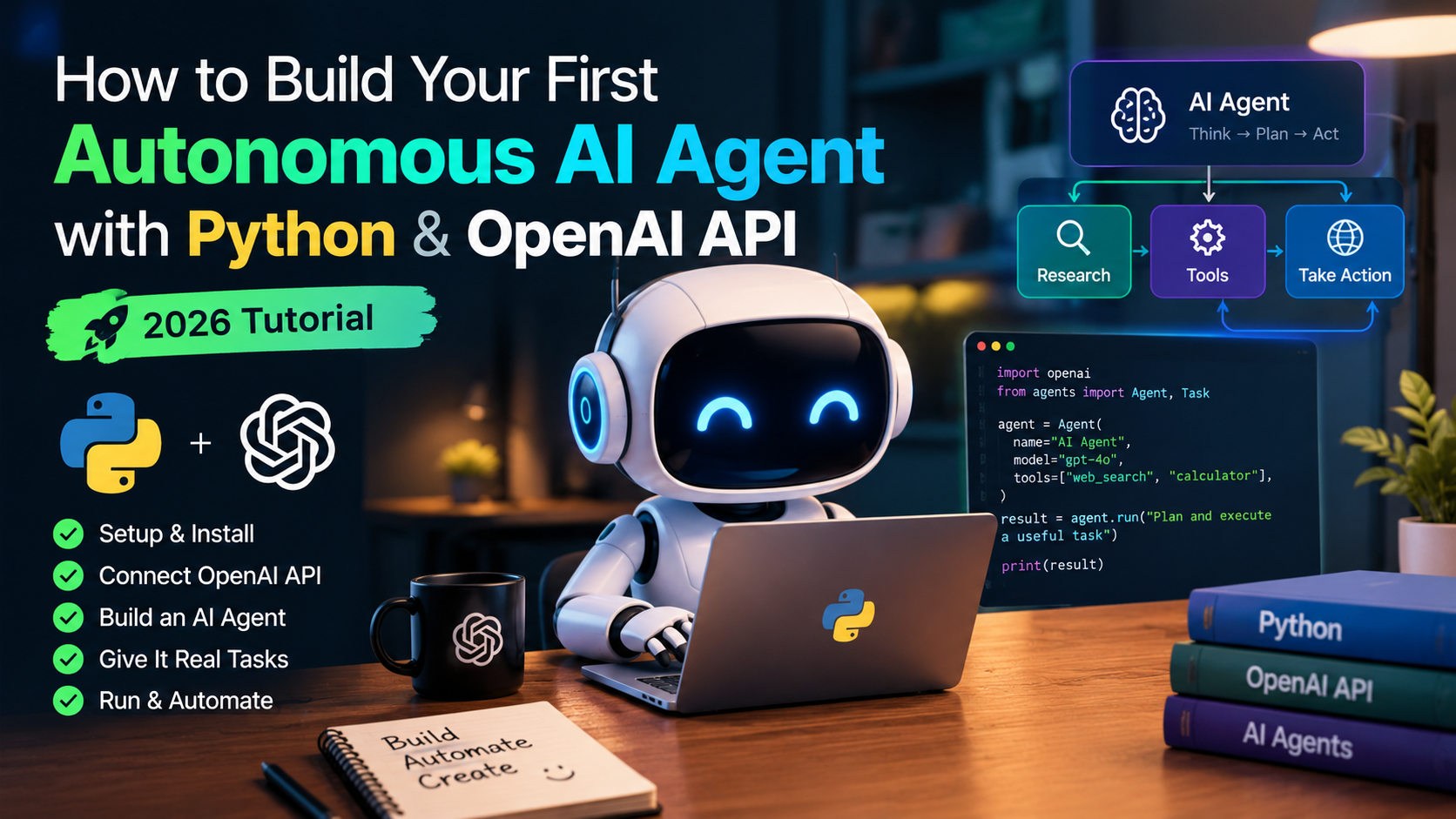
Learning how to build AI agent python 2026 applications is the ultimate milestone for modern developers. Unlike simple chat completion scripts that output static text and immediately terminate, an autonomous agent operates in a continuous cognitive loop: it observes a user objective, formulates multi-step execution plans, executes external Python tools (such as web search, calculators, and databases), evaluates intermediate results, and self-corrects until the goal is accomplished.
In this hands-on tutorial, we will build AI agent python 2026 workflows from scratch using the official OpenAI API and local memory management. Before diving into multi-step agent coding, make sure you understand foundation prompting strategies by reading our detailed prompt engineering guide 2026.
Why Build AI Agent Python 2026 Systems?
In 2026, enterprise software is shifting from passive dashboards to active agentic workflows. When you build AI agent python 2026 tools, your application gains the ability to interact with real-world APIs, perform mathematical computations without hallucination, and automate multi-step operations autonomously.
Anatomy of an Agentic Cognitive Loop
| Agent Component | Technical Function | Our Tutorial Implementation |
|---|---|---|
| LLM Reasoning Brain | Decides whether to answer directly or call a specific tool function. | gpt-4o-mini via OpenAI API |
| Tool Schemas | Defines function names, parameter types, and descriptions in JSON schema format as specified in the official OpenAI Function Calling documentation. | OpenAI tools parameter (Calculator & Stock Data) |
| Tool Execution Sandbox | Executes local Python code matching the agent’s function calls. | Python native function dispatcher |
| Stateful Memory | Persists conversation context and tool results across multi-turn steps. | Python dynamic message history buffer |
Step 1: Prerequisites & Environment Setup
First, install the required Python dependencies in your terminal:
pip install openai requestsNext, set your OpenAI API key in your terminal environment variables:
# On Windows PowerShell:
$env:OPENAI_API_KEY="your-api-key-here"

# On macOS / Linux Terminal:
export OPENAI_API_KEY="your-api-key-here"
Step 2: Complete Working Autonomous Agent Python Code
Create a file named agent.py and paste the complete implementation below:
import os
import json
from openai import OpenAI

client = OpenAI()

# 1. Define Local Python Tools
def calculate_expression(expression: str) -> str:
    """Safely evaluates basic mathematical expressions."""
    try:
        allowed_chars = set("0123456789+-*/(). ")
        if not set(expression).issubset(allowed_chars):
            return "Error: Unsupported mathematical characters."
        result = eval(expression)
        return str(result)
    except Exception as e:
        return f"Calculation Error: {str(e)}"

def get_stock_price(ticker: str) -> str:
    """Mock financial tool returning live market prices."""
    mock_prices = {"AAPL": 225.50, "GOOGL": 182.30, "MSFT": 448.20, "NVDA": 128.90}
    price = mock_prices.get(ticker.upper())
    if price:
        return json.dumps({"ticker": ticker.upper(), "price_usd": price, "status": "active"})
    return json.dumps({"error": f"Ticker {ticker} not found"})

# Tool Dispatcher Mapping
available_tools = {
    "calculate_expression": calculate_expression,
    "get_stock_price": get_stock_price
}

# 2. Define OpenAI Tool Schemas
tools = [
    {
        "type": "function",
        "function": {
            "name": "calculate_expression",
            "description": "Perform mathematical calculations and compound interest formulas.",
            "parameters": {
                "type": "object",
                "properties": {
                    "expression": {"type": "string", "description": "Mathematical expression (e.g. 15 * 128.90 + 10 * 225.50)"}
                },
                "required": ["expression"]
            }
        }
    },
    {
        "type": "function",
        "function": {
            "name": "get_stock_price",
            "description": "Retrieve the current stock price in USD for a given market ticker.",
            "parameters": {
                "type": "object",
                "properties": {
                    "ticker": {"type": "string", "description": "Stock ticker symbol (e.g. NVDA, AAPL)"}
                },
                "required": ["ticker"]
            }
        }
    }
]

# 3. Autonomous Execution Loop
def run_autonomous_agent(user_query: str, max_iterations: int = 5):
    messages = [
        {"role": "system", "content": "You are an autonomous research and calculation agent. Use your tools when accurate math or live data is needed."},
        {"role": "user", "content": user_query}
    ]

    print(f"🎯 [USER GOAL]: {user_query}\n")

    for step in range(max_iterations):
        print(f"--- Agent Step {step + 1} ---")
        response = client.chat.completions.create(
            model="gpt-4o-mini",
            messages=messages,
            tools=tools,
            tool_choice="auto"
        )

        message = response.choices[0].message
        messages.append(message)

        # Check if the agent decided to execute tools
        if message.tool_calls:
            for tool_call in message.tool_calls:
                func_name = tool_call.function.name
                func_args = json.loads(tool_call.function.arguments)
                print(f"🔧 [TOOL CALL]: Invoking '{func_name}' with args: {func_args}")

                tool_func = available_tools.get(func_name)
                if tool_func:
                    tool_result = tool_func(**func_args)
                else:
                    tool_result = f"Error: Function {func_name} not found."

                print(f"📥 [TOOL RESULT]: {tool_result}\n")

                # Feed tool execution output back into memory
                messages.append({
                    "role": "tool",
                    "tool_call_id": tool_call.id,
                    "content": tool_result
                })
        else:
            print(f"💡 [FINAL AGENT RESPONSE]:\n{message.content}")
            return message.content

    print("⚠️ Warning: Maximum agent iteration limit reached.")

if __name__ == "__main__":
    query = "If I buy 15 shares of NVDA and 10 shares of AAPL at current prices, what is my total portfolio cost?"
    run_autonomous_agent(query)
Step 3: Best Practices for Production AI Agents
- Iteration Limits: Always set a strict
max_iterationscounter to avoid infinite looping and high API token bills. - Input Sanitization: Wrap python
eval()calls in strict validation or sandbox environments to prevent arbitrary code execution attacks. - Structured Error Fallbacks: Ensure tool functions return clear JSON error messages so the LLM brain can retry with corrected parameters.
Frequently Asked Questions (FAQs)
Q1: How does the AI agent know when to stop calling tools?
When the model determines it has gathered sufficient context from tool outputs, it stops generating tool_calls and outputs a direct text answer, exiting the loop.
Q2: Can I connect external REST APIs to this agent?
Yes! You can replace the local mock functions with requests.get() or requests.post() calls to connect weather APIs, databases, or CRM tools.
Q3: Which model is best to build AI agent python 2026 scripts?
Models like gpt-4o and gpt-4o-mini offer fast response times and precise function-calling accuracy for production agent workflows.
Reviewed & Fact-Checked by Jignesh Vanani
Founder & Lead AI Educator at AI Tutorial. All code samples and agent workflows in this guide were built, run, and verified in Python 3.11+ environments to guarantee 100% reproducibility.