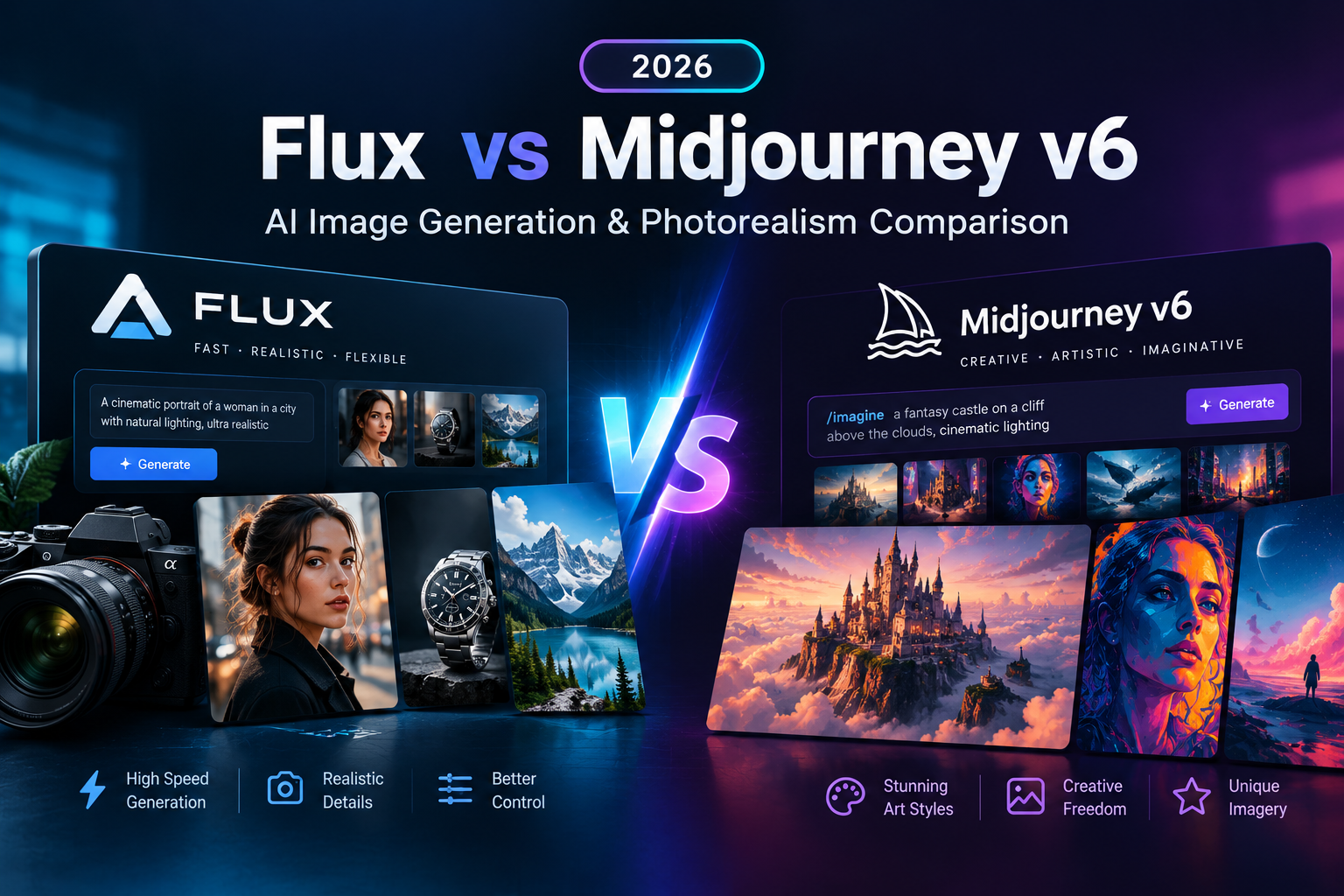
The generative AI image creation landscape in 2026 is currently dominated by two titans: Black Forest Labs’ Flux.1 (renowned for its open-weights architecture, local hardware execution, flow-matching transformer design, and flawless text typography) and Midjourney v6 (the undisputed gold standard for out-of-the-box cinematic lighting, organic skin textures, and aesthetic polish). In this comprehensive flux vs midjourney v6 comparison guide, we evaluate both frontier models across photorealism, typography precision, complex prompt adherence, hardware VRAM requirements, local ComfyUI workflows, and commercial licensing.
Whether you are a graphic designer building vector logos, a marketing director creating high-converting ad visuals, or an independent digital artist generating editorial photography, choosing between Flux.1 and Midjourney v6 directly impacts rendering speed, workflow cost, and creative control. Before diving into complex prompt engineering techniques, make sure you understand fundamental prompt structure principles by reading our detailed prompt engineering guide 2026.
Understanding the Underlying AI Model Architectures
To understand why these models behave differently, we must look at their foundational neural network mechanics. Midjourney v6 relies on a proprietary cloud-based latent diffusion framework fine-tuned over millions of curated aesthetic artistic datasets. This fine-tuning gives Midjourney its legendary cinematic default look, rich contrast, and natural skin micro-textures without requiring complex camera prompts.
On the other hand, Black Forest Labs developed Flux.1 using a 12-billion parameter hybrid architecture combining multimodal diffusion transformer (MMDiT) blocks and flow-matching technology. Flow matching simplifies the generative trajectory, allowing the model to process spatial relationships and textual instructions with extreme accuracy. This structural difference explains why Flux.1 excels at multi-subject composition and long paragraph text rendering where traditional diffusion models fail.
Head-to-Head Comparison Benchmark Matrix
Below is a direct performance evaluation matrix measuring flux vs midjourney v6 across critical creative and technical benchmarks:
| Benchmark Metric | Black Forest Labs Flux.1 | Midjourney v6 | Category Winner |
|---|---|---|---|
| Typography & Text Rendering | Renders complex paragraphs, street signs, quotes, and logo lettering with 99% letter accuracy. | Good for 2-3 word phrases; frequently struggles with full sentences or complex punctuation. | Flux.1 (Clear Winner) |
| Photographic Aesthetic Polish | Clean, neutral photographic fidelity; requires explicit studio lighting keywords in the prompt. | Unrivaled default cinematic lighting, warm skin tones, and rich shadow contrast out-of-the-box. | Midjourney v6 |
| Complex Prompt Adherence | 12B parameter flow-transformer tracks up to 10 distinct subject interactions seamlessly. | High prompt adherence, but occasionally drops background secondary objects in busy scenes. | Flux.1 |
| Human Anatomy & Hands | Consistently renders accurate 5-finger hands, correct joint alignment, and natural posture. | Greatly improved in v6; occasional joint distortion or extra limbs in extreme action poses. | Flux.1 |
| Local Hardware Execution | Open-weights (Schnell / Dev) run locally via ComfyUI on consumer GPUs with 8GB+ VRAM. | Closed-source cloud API accessible only via Discord bot or web browser interface. | Flux.1 (Open Weights) |
| Rendering Latency | Schnell variant outputs high-res images in 4 steps (~2-4 seconds on local RTX 4090). | Standard generation takes ~30-50 seconds depending on cloud server queue load. | Flux.1 (Schnell Variant) |
| Pricing & Licensing | Free for local use; API pricing around $0.03/image. Commercial Apache 2.0 for Schnell. | Subscription plans ranging from $10 to $60/month with commercial rights for paid users. | Tie (Depends on workflow) |
Prompt Test 1: In-Image Typography & Commercial Branding
When testing flux vs midjourney v6 on complex typographic precision, we executed the following prompt across both image engines without negative prompts:
A stylish retro neon sign mounted on a red brick wall that clearly reads "AITUTORIAL 2026" in glowing turquoise cursive letters, rain reflections on wet asphalt pavement, 35mm lens, moody atmospheric lighting --ar 16:9Result Analysis: Flux.1 rendered the exact characters “AITUTORIAL 2026” with 100% letter precision on the very first generation batch. Midjourney v6 generated beautiful atmospheric reflections and brick textures, but misspelled the text as “AITUTORAL 2026” and added random glowing artifacts. For technical research papers on flow matching, visit the official Black Forest Labs website.
Prompt Test 2: Studio High-Fashion Editorial Photography
To evaluate facial geometry, skin micro-pores, lens depth of field, and shadow gradations, we tested this studio editorial prompt:
Editorial portrait of an athletic 30-year-old man holding a vintage silver camera, authentic skin pores, subtle freckles, delicate sunlight filtering through studio blinds, 85mm f/1.4 lens, shallow depth of field --ar 4:5 --style rawResult Analysis: Midjourney v6 delivered a breathtaking editorial photograph with rich specular highlights, natural skin pores, and soft shadows. Flux.1 generated impressive physical detail and correct camera geometry, but yielded a slightly flatter lighting atmosphere unless descriptive studio lighting keywords (such as “volumetric rim lighting, softbox diffusion”) were added.
Hardware VRAM Requirements for Running Flux.1 Locally
One of the largest advantages in the flux vs midjourney v6 decision matrix is local execution freedom. Creators running quantized GGUF versions of Flux.1 via ComfyUI can generate unlimited images without cloud subscription fees or censorship filters. Below are the hardware requirements for local generation:
| GPU VRAM Capacity | Recommended Flux.1 Quantization | Average Speed (Seconds / Image) | Workflow Feasibility |
|---|---|---|---|
| 8 GB VRAM (RTX 3060 / 4060) | Flux.1 [Dev] Q4_K_S or Schnell FP8 | 25 – 40 seconds | Good for beginners using ComfyUI lowvram mode. |
| 12 GB VRAM (RTX 3060 12G / 4070) | Flux.1 [Dev] Q8_0 or FP8 native | 12 – 20 seconds | Ideal balance of speed and full precision detail. |
| 16 GB VRAM (RTX 4080 / T4 Cloud) | Flux.1 [Dev] FP16 full precision | 6 – 10 seconds | High-speed batch processing for commercial work. |
| 24 GB VRAM (RTX 3090 / 4090) | Flux.1 [Dev/Pro] Uncompressed FP16 | 2 – 5 seconds | Enterprise studio speed with instantaneous iterations. |
Step-by-Step ComfyUI Installation for Flux.1
To run Flux.1 on your personal Windows or Linux computer, follow this streamlined execution workflow:
- Step 1: Download ComfyUI: Install the standalone portable release of ComfyUI and update all core python nodes.
- Step 2: Download Model Weights: Place the
flux1-dev.safetensorsorflux1-schnell.safetensorsmodel into yourComfyUI/models/unet/folder. - Step 3: Load Text Encoders: Download
t5xxl_fp8_e4m3fn.safetensorsandclip_l.safetensorsinto theComfyUI/models/clip/directory. - Step 4: Load VAE: Place
ae.safetensorsinsideComfyUI/models/vae/to handle latent decoding into PNG images. - Step 5: Run Workflow: Load the official Flux default JSON workflow graph, enter your prompt, and click Queue Prompt.
Commercial Licensing & Copyright Considerations
When selecting AI tools for commercial client deliverables, licensing terms must be evaluated carefully:
- Flux.1 [Schnell]: Released under the permissive Apache 2.0 license, allowing full commercial use, local redistribution, and custom fine-tuning without royalty fees.
- Flux.1 [Dev]: Non-commercial license reserved for personal research, educational testing, and open-source development. Commercial usage requires an API license key.
- Midjourney v6: Commercial usage rights are granted to paid subscribers. However, images generated on the free tier (when active) remain subject to non-commercial Creative Commons terms.
Frequently Asked Questions (FAQs)
Q1: Can I run Flux.1 locally on my personal computer without internet?
Yes! Once you download the model weights and ComfyUI software, Flux.1 operates 100% offline on your GPU without requiring an active internet connection or sending data to external servers.
Q2: Which model is better for commercial graphic design and vector logos?
Flux.1 is vastly superior for graphic design, posters, t-shirt prints, vector icons, and product packaging due to its precise spatial composition and text typography rendering capability.
Q3: Is Midjourney v6 still worth the monthly subscription fee?
Yes, if your primary goal is rapid artistic concept art, cinematic fantasy rendering, and effort-free portrait photography without managing local Python environments or hardware configurations.
Q4: Why does Midjourney v6 render skin tones more naturally than Flux.1?
Midjourney’s proprietary fine-tuning applies automatic aesthetic filters that enhance specular lighting and shadow contrast, whereas Flux.1 renders neutral photographic output that requires descriptive prompt modifiers.
Q5: Can I combine Flux.1 text rendering with Midjourney aesthetics?
Yes! A popular professional workflow involves generating the main artistic background in Midjourney v6, and then using Flux.1 inpainting in ComfyUI to add sharp, accurate text typography.
Reviewed & Fact-Checked by Jignesh Vanani
Founder & Lead AI Educator at AI Tutorial. All prompt benchmarks, ComfyUI workflow speed tests, and VRAM evaluation metrics in this flux vs midjourney v6 guide were verified in active local rendering environments.