
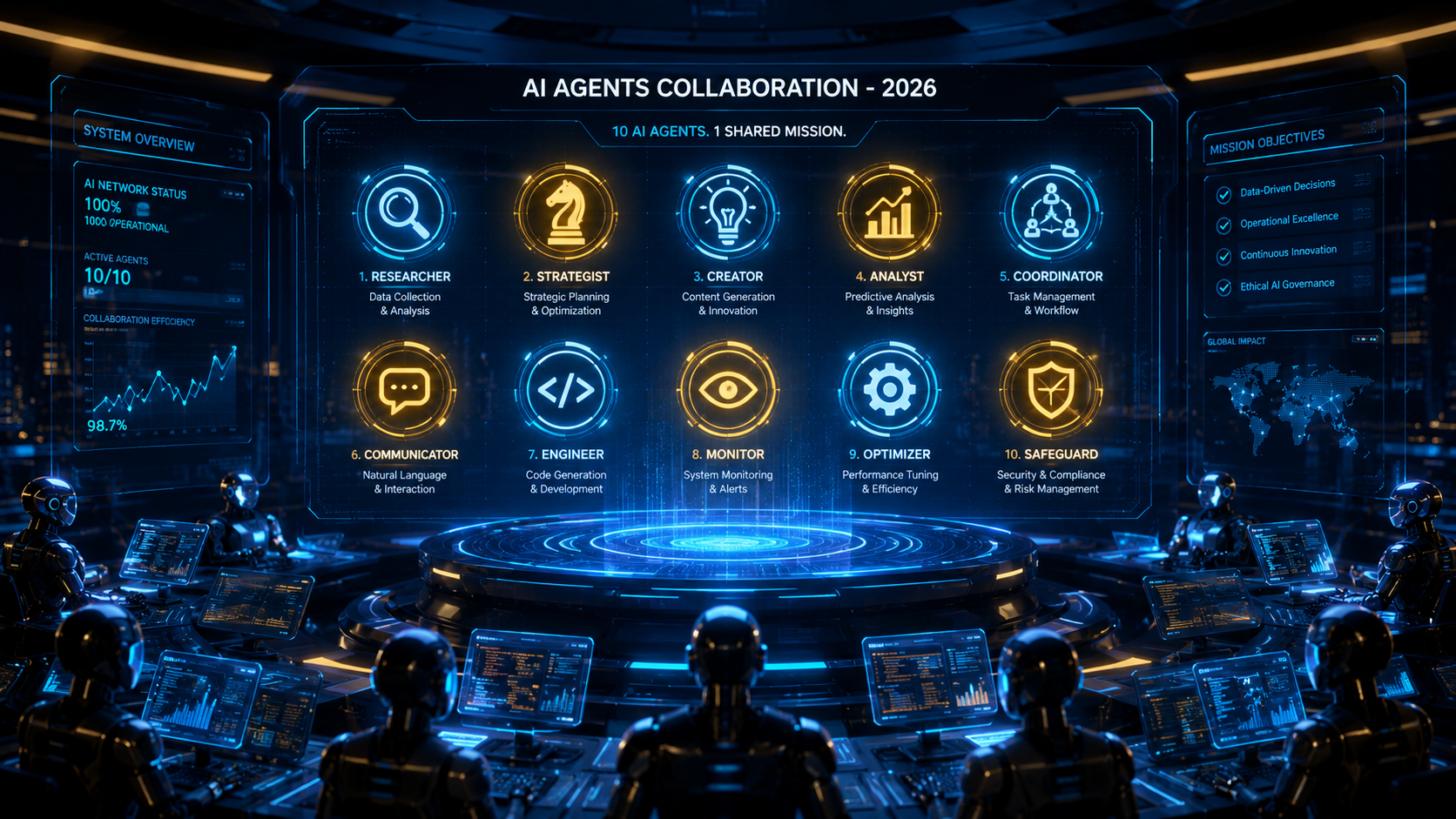
The Shift from Assistants to Autonomous AI Agents
In 2026, business automation has evolved beyond basic static zap workflows. Autonomous AI agents now possess the ability to perceive digital environments, plan sequential actions, make contextual decisions, and execute multi-step operations across diverse software ecosystems.
Rather than merely writing an email draft, modern AI agents can monitor incoming customer inquiries, query inventory databases, generate personalized discount vouchers, update CRM records, and trigger fulfilment webhooks autonomously.
Top 10 Business AI Agents Evaluated
Below is our comprehensive evaluation of the leading autonomous AI agent platforms for small businesses, startups, and enterprise teams:
| Agent Platform | Primary Category | Key Strengths | Pricing Model |
|---|---|---|---|
| 1. CrewAI | Multi-Agent Orchestration | Role-based agent collaboration, open-source flexibility, easy Python integration. | Open Source / Cloud tiers |
| 2. AutoGen (Microsoft) | Conversational Multi-Agent | Asynchronous message passing, robust tool integration, code execution. | Open Source |
| 3. Devin / Devin-Class Agents | Software Engineering | Autonomous repository navigation, bug fixing, test running, deployment. | Usage-based pricing |
| 4. Lindy.ai | Executive Operations | Automated meeting scheduling, email inbox triaging, CRM synchronization. | Subscription tiers |
| 5. Adept / ACT-1 Style Agents | Browser & GUI Automation | Interacting with complex web software via clicks, form filling, and screen reading. | Enterprise API |
| 6. Relevance AI | B2B Sales & Outbound | Autonomous lead research, personalized cold outreach sequencing, LinkedIn enrichment. | Freemium / Pro |
| 7. Gumloop | No-Code AI Workflows | Drag-and-drop agent pipelines, web scraping, document processing. | Credit-based pricing |
| 8. Zapier Central | Ecosystem Integration | Direct integration with 6,000+ business apps, natural language trigger setup. | Included in Zapier Pro |
| 9. MultiOn | Personal Web Navigation | Automated ecommerce purchasing, booking confirmations, data aggregation. | API / Extension |
| 10. LangGraph | Stateful Production Agents | Cyclic graphs, human-in-the-loop verification, granular state recovery. | Open Source / Cloud |
Architecture of an Autonomous Business Agent
To successfully implement agent automation, it is essential to understand the four underlying components that every reliable agent system requires:
- Planning & Reflection: The agent decomposes high-level user goals into discrete chronological tasks and evaluates intermediate results.
- Memory Systems: Short-term memory (chat context window) combined with long-term memory (vector databases like Pinecone) for persistent enterprise knowledge.
- Tool Invocation: External APIs, web scrapers, code execution sandboxes, and database queries.
- Human-in-the-Loop (HITL) Guardrails: Checkpoint mechanisms that request human confirmation before executing high-risk actions (such as sending payments or deleting records).
Practical Implementation: Building a Multi-Agent Team with CrewAI
Here is an example Python snippet demonstrating how to define a collaborative two-agent research team using CrewAI:
from crewai import Agent, Task, Crew, Process

# Define Researcher Agent
researcher = Agent(
    role='Market Research Analyst',
    goal='Uncover emerging trends in B2B SaaS automation for 2026',
    backstory='Senior analyst with 10 years experience in competitive intelligence.',
    verbose=True,
    allow_delegation=False
)

# Define Writer Agent
writer = Agent(
    role='Executive Content Strategist',
    goal='Synthesize research findings into an actionable executive summary',
    backstory='Specialist in creating high-impact C-suite briefing memos.',
    verbose=True
)

# Assign Tasks
task1 = Task(description='Analyze top 5 AI agent adoption metrics in 2026.', agent=researcher)
task2 = Task(description='Draft a 3-page markdown executive summary with actionable recommendations.', agent=writer)

# Instantiate Crew
crew = Crew(
    agents=[researcher, writer],
    tasks=[task1, task2],
    process=Process.sequential
)

result = crew.kickoff()
print(result)
Frequently Asked Questions (FAQs)
Are AI agents safe to connect to live production databases?
Agents should always be restricted to read-only API access by default. Any write or delete operations must incorporate strict rate limits and human-in-the-loop approval gates.
What is the main failure mode of autonomous AI agents?
The primary failure modes are infinite loops (repeatedly attempting failed API calls) and context drift (losing track of the primary goal across extended multi-step operations). Implementing structured graphs like LangGraph mitigates these issues.